

5 Things You Must Do
Before GTA 6 Launches
Get ready for the next chapter in the Grand Theft Auto saga
Rockstar has confirmed GTA 6 is coming. Here are five practical steps so you’re fully ready when it drops — setup, info, money, backlog and community.
Why Prepare Now?
GTA 6 will be one of the biggest entertainment releases in years. Consoles will be pushed hard, editions and accessories sell out, and the hype cycle moves fast. Doing a few things early means you can actually enjoy launch week instead of scrambling.
These five steps cover hardware, information, budget, your current games, and the community around the game.
1. Upgrade Your Setup
GTA 6 will push the limits. Make sure your console or PC is ready.
Upgrade Your Setup
PS5 / Xbox Series X|S / High-End PC
GTA 6 is built for current-gen hardware. Older consoles won’t run it. If you’re still on last-gen or a low-spec PC, now is the time to plan an upgrade so you’re not locked out at launch.


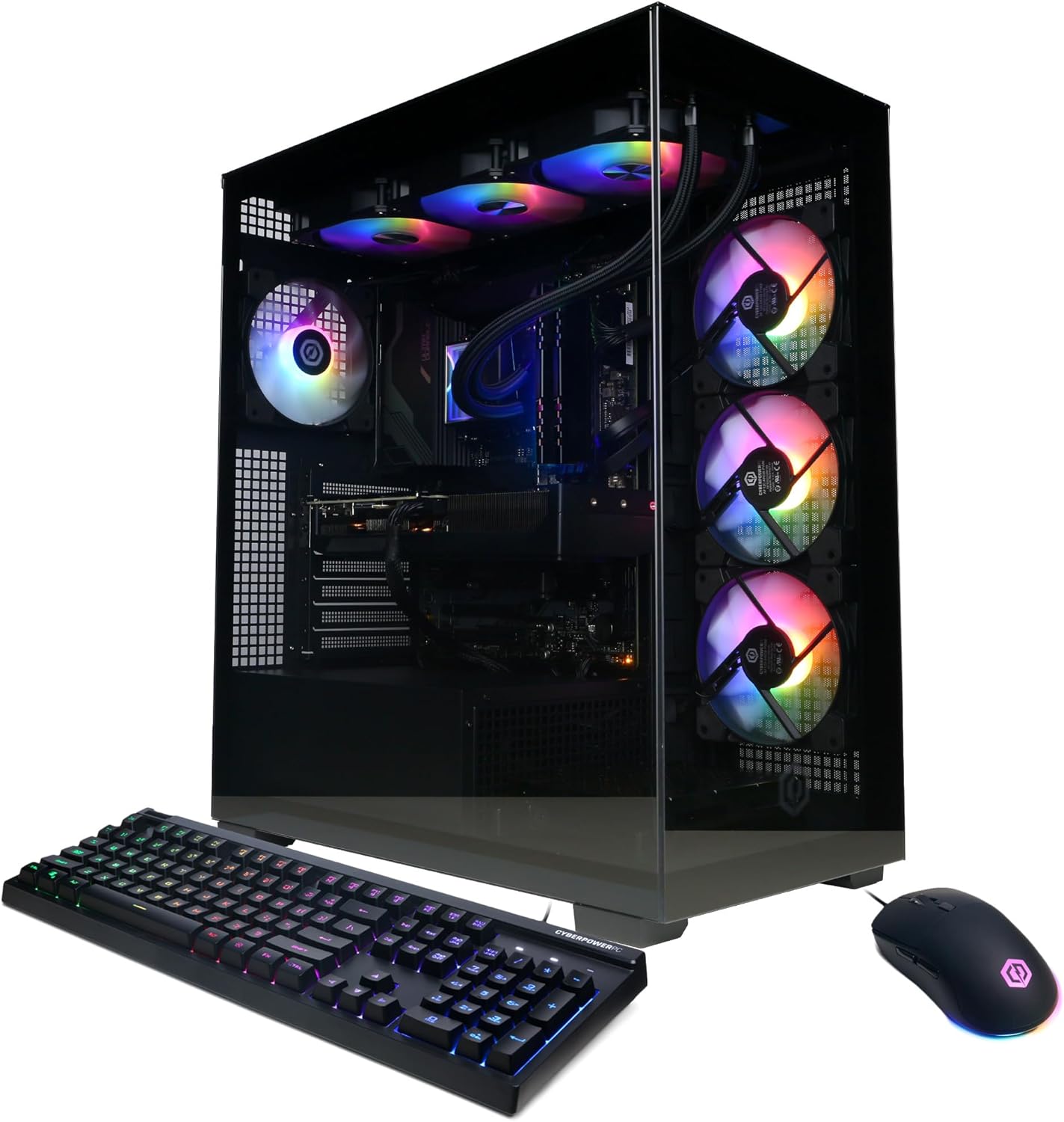
- PS5 and Xbox Series X|S are the confirmed console platforms
- PC version typically follows later — a solid gaming PC still makes sense for other titles
- Storage space and a good display also matter for the full experience
2. Stay Updated
Follow official channels for trailers, dates and news.
Stay Updated
Official news, trailers & trusted sources
Rumors spread fast. Rely on Rockstar’s official channels and a few trusted outlets so you don’t miss real trailers, release windows or platform details.
- Follow Rockstar Newswire and official social accounts
- Watch trailers on the official Rockstar / Take-Two channels
- Ignore unverified “leaks” until confirmed
3. Save Your Money
The game, special editions and extras add up. Start setting money aside.
Save Your Money
Game + editions + accessories
Standard edition, special editions, a new controller, headset or extra storage can push the total well past the base game price. Starting a small savings pot now means you can buy what you want without stress at launch.

- Base game + possible deluxe/collector editions
- Controller, headset or storage upgrades
- Online subscription if required on your platform
4. Finish Your Backlog
Clear current games so you can dive into GTA 6 without distractions.
Finish Your Backlog
RDR2, Witcher 3, Elden Ring & more
Big open-world games demand time. Finishing (or parking) your current backlog means you can give GTA 6 your full attention when it launches — no half-finished campaigns pulling you away.


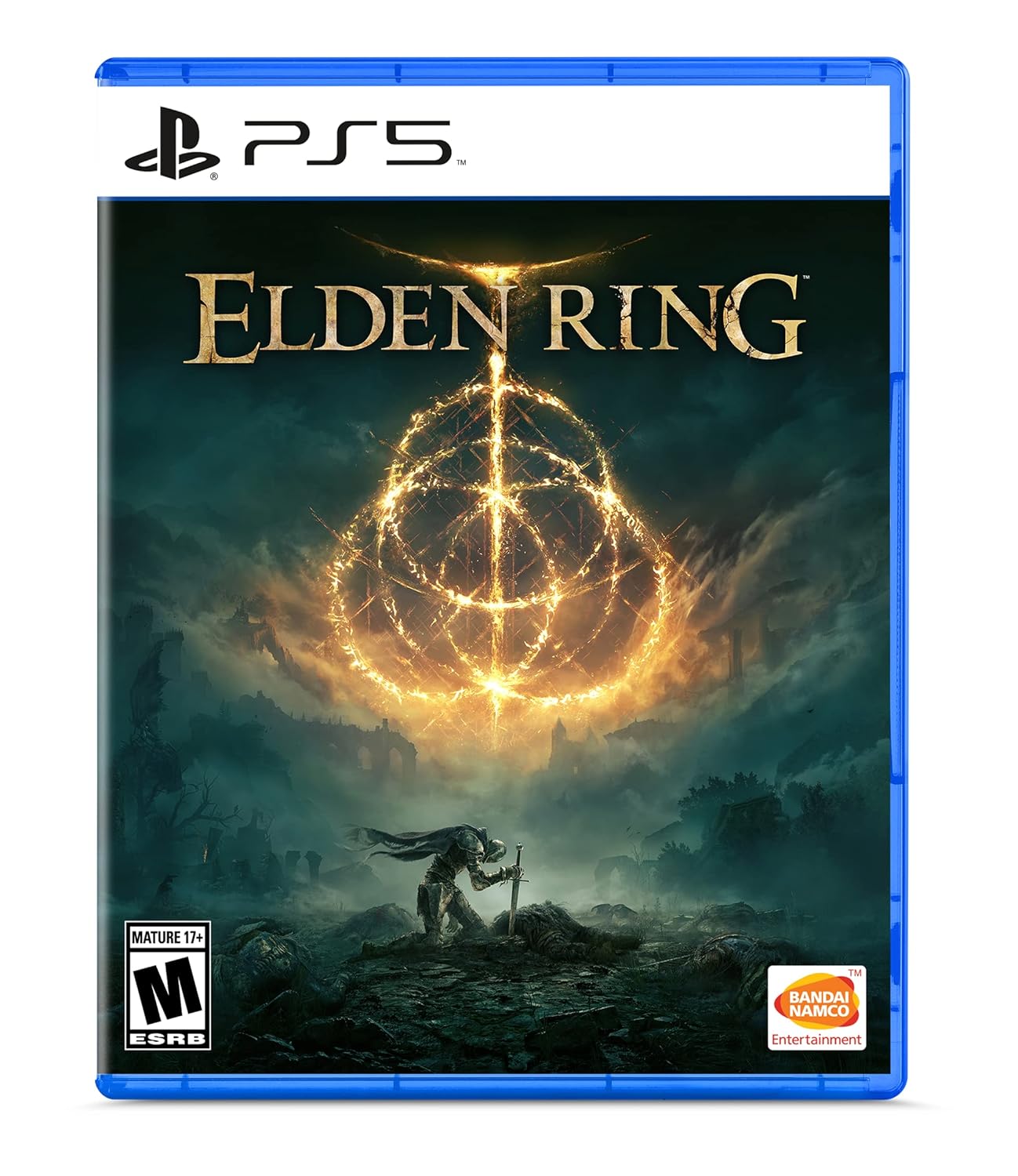
- Finish story-heavy games first
- Or set them aside with a clear “return later” plan
- Free up storage for GTA 6 as well
5. Join the Community
Be part of discussions, theories and hype — and get ready for the ride.
Join the Community
Fans, theories & shared hype
GTA has one of the biggest gaming communities in the world. Following discussions, map theories and trailer breakdowns makes the wait more fun and keeps you informed without relying only on random social posts.
- Official Rockstar channels and Newswire
- Trusted creators and fan communities (Reddit, Discord, etc.)
- Share theories — but verify big claims
Quick Prep Checklist
Hardware
PS5, Series X|S or capable PC
Info
Official Rockstar channels only
Budget
Game + extras saved in advance
Backlog
Finish or park current games
Community
Join the discussion, stay grounded
Vice City Is Calling
Be ready. Be prepared. Do the practical stuff now so launch week is about playing — not scrambling for a console, storage or last-minute cash.
“Be ready. Be prepared. See you in GTA 6.”
— Prepare once, enjoy the rideThis guide contains affiliate links. Purchases may earn a commission at no extra cost to you.
Not affiliated with Rockstar Games. Release details can change — always check official Rockstar announcements.
Drop your signal
No Blogger chrome. Just you and the thread.